
Case Study in T City, Kumamoto Prefecture
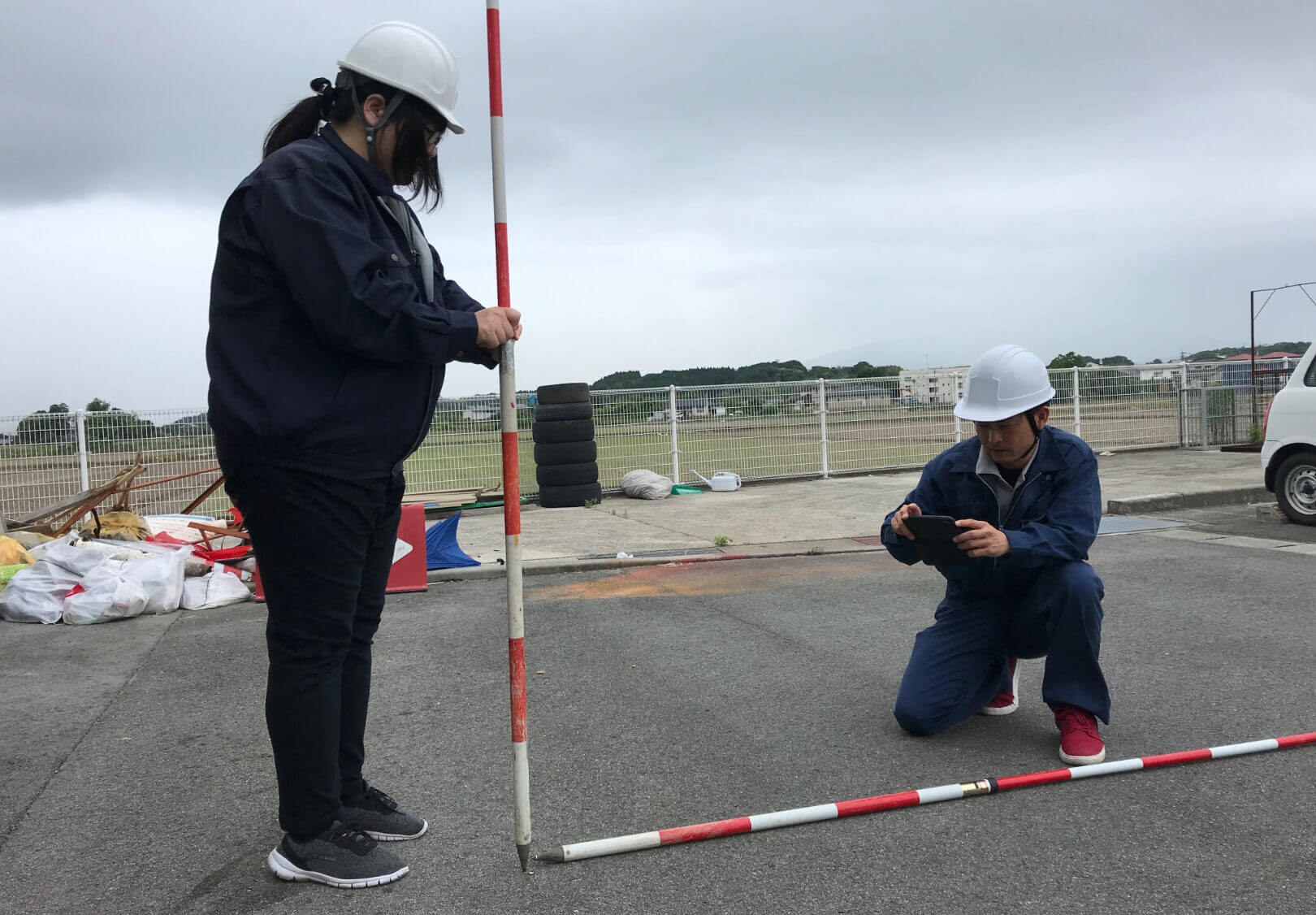
How to operate i-MASTER
- 01 Receipt of inquiries
- Inquiries from residents are registered with i-MASTER.
Review of response details.
- 02 On-site Confirmation
- Check the site with residents.
Description of planned correspondence.
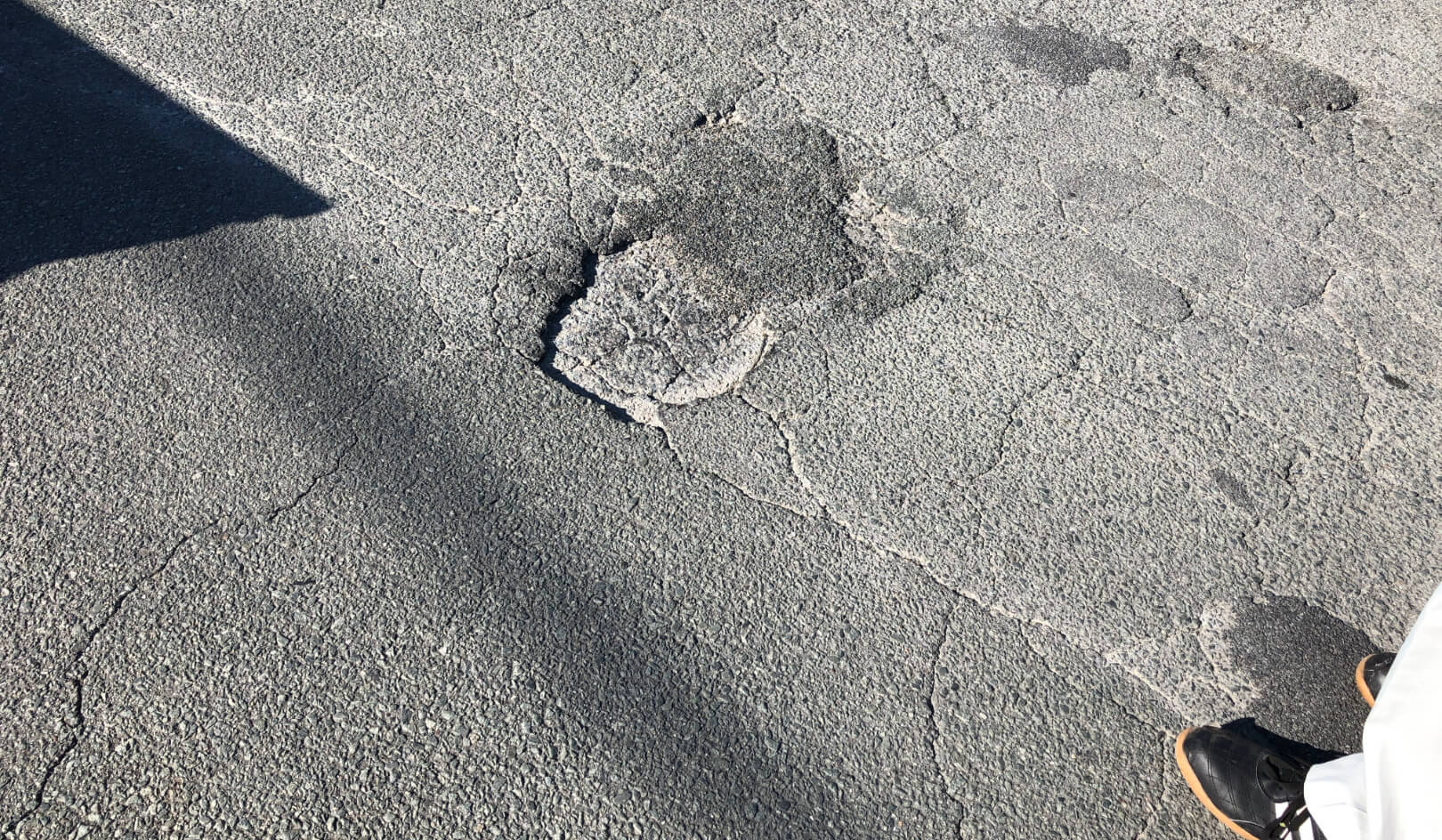
- 03 Response & Measures
- Respond and take action and register the contents in i-MASTER.
- 04 Reporting
- Output issues at the office and prepare a report.
Elderly workers
- 01 Patrols
- Patrol the city and inspect damage.
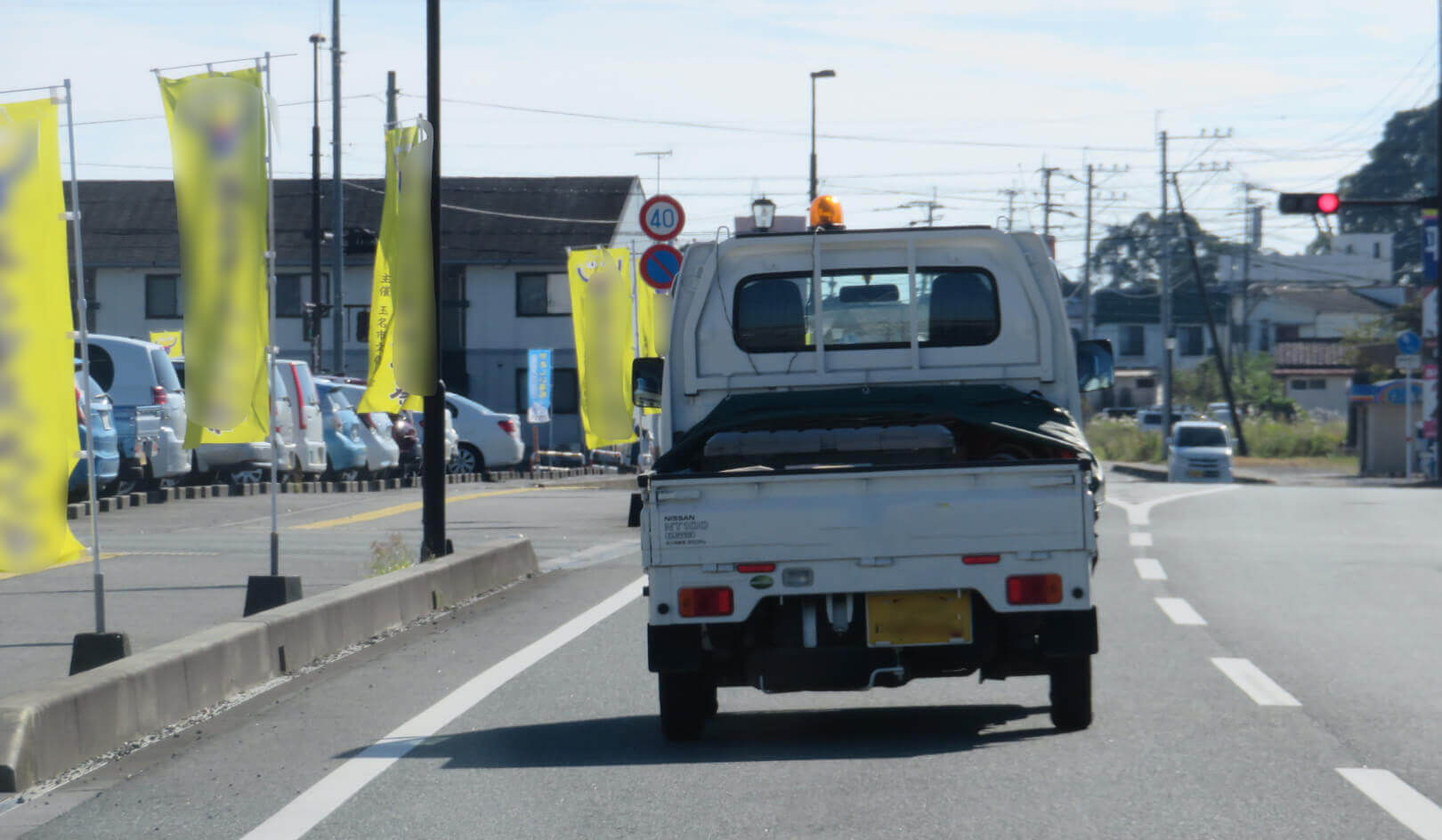
- 02 Event Discovery
- Items that can be repaired simply are handled on the site.Other items that cannot be repaired are reported to the city.
- 03 Response and Measures
- Correspondence is registered in i-MASTER and reported to the city.
Effects of introducing i-MASTER
- Issues before introducing i-MASTER
-
- Reduce delays and omissions in responding to inquiries from residents and community associations
- No history of addressed areas or the status of the area prior to the response.
- Daily management reporting is time-consuming.
- After i-MASTER introduction
-
- Enables smooth information sharing among staff [Task management function].
- Databasing makes past history visible on searches and maps [Databasing].
- Output photos & report contents registered in i-MASTER reduced work in the office [Issue output function].
Interview
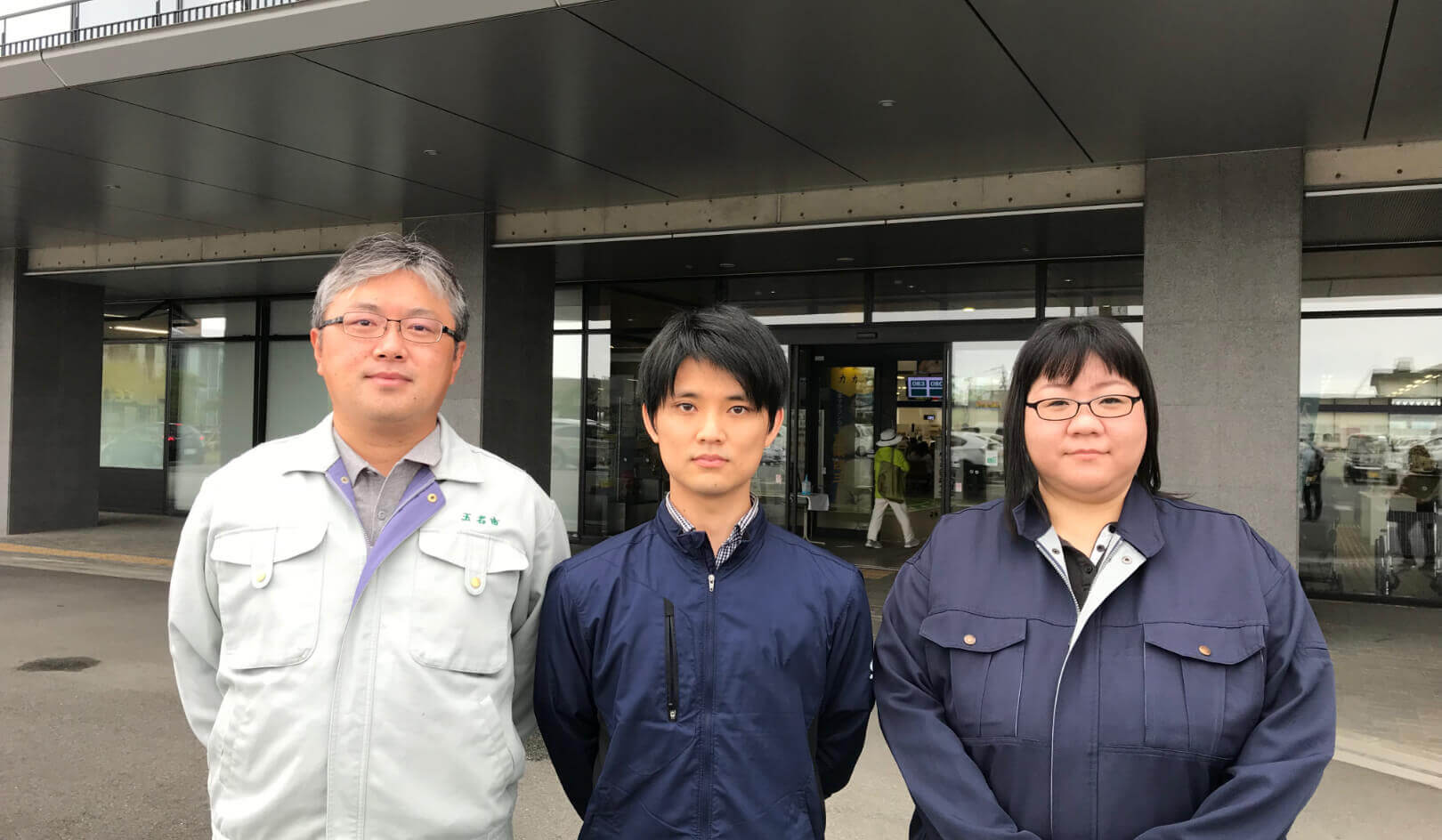
- 01 How did you know about i-MASTER?
-
At the National Conference on Infrastructure Maintenance, I heared about a system that can maintain and manage infrastructure.
-
02
What were your selection criteria for the introduction?
What were the deciding factors that resulted in the introduction of i-MASTER? -
For the introduction of i-MASTER, there are 4 points.
- Check issues (tasks) linked to the location info (map).
- Low initial investment costs and no need for special equipment, etc.
- Easy to share complaints and requests among staff.
- Output daily patrol results, which used to be submitted by hand every day in the system, making it easy to determine when, where and what they did.
-
03
How many cases are handled per year/month.
(number of inquiries, daily management responses, etc.) -
Based on the cases on i-MASTER, about 600 cases annually. In addition, the number of requests not on i-MASTER but come to us through ward mayors, and the number of patrols handled by elderly workers would be much larger.
- 04 How did you manage your daily operations?
-
There has been no data management system for daily maintenance management, so it based on paper reports and hearsay.
-
05
Did you have any difficulties or challenges in daily management?
Also, what tasks have been time-consuming and labor intensive compared to after the introduction of the system? -
- Before i-MASTER, it was very time-consuming to prepare daily reports, such as filling in an Excel report after returning from the site.
- Before i-MASTER, the management was based on paper reports and hearsay, so information and communication were inefficient.Only the staff who received the inquiry could respond, or another staff checked it again even though the staff had already checked the site.
- 06 How do you operate i-MASTER in daily management?
-
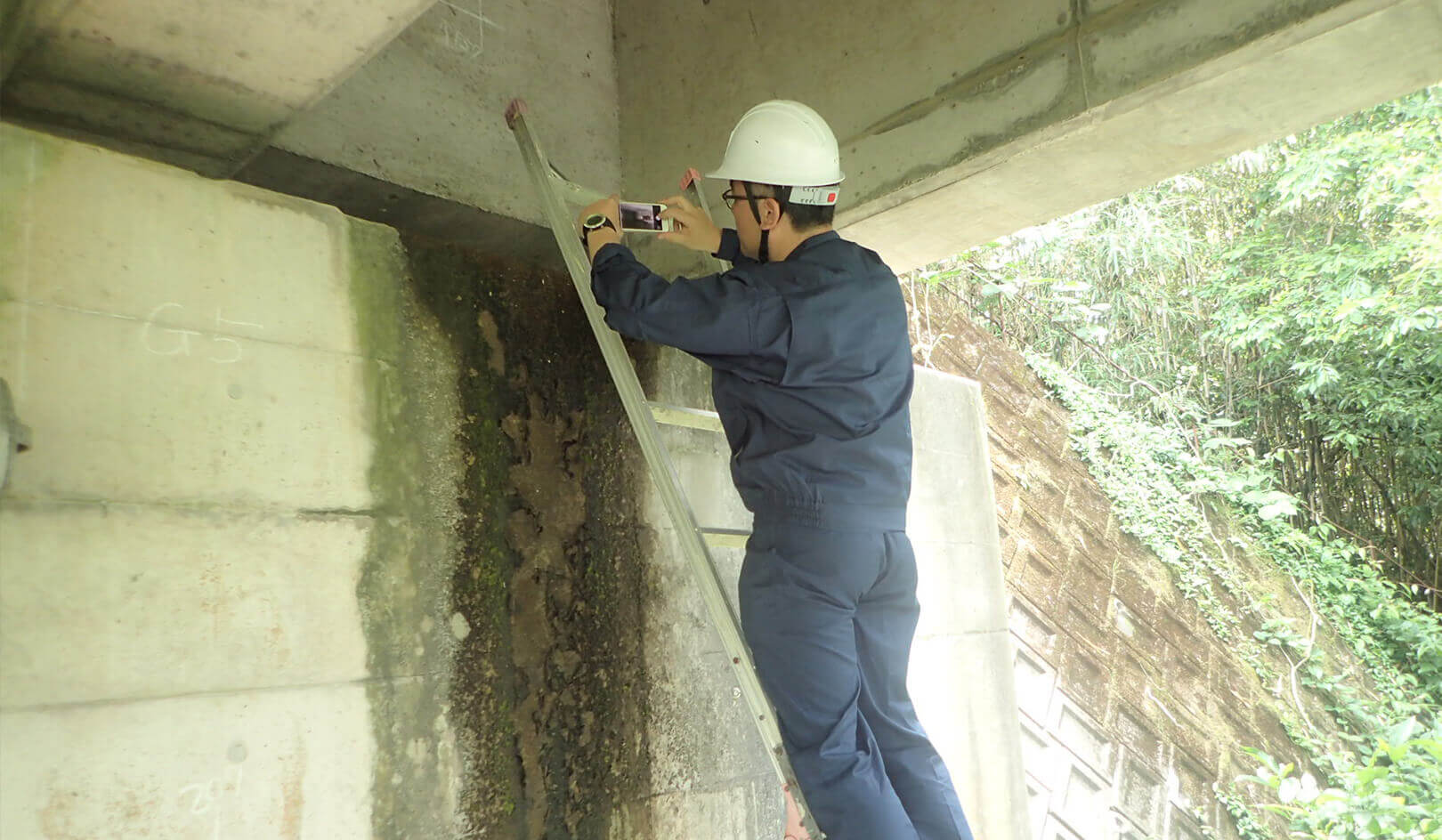
- When an inquiry comes from a resident, a city staff receives the call and confirms the defect location (at this point, the location is unclear and is not registered in i-MASTER). The staff then goes to the site and registers the issue in i-MASTER on the mobile terminal upon confirmation of the defect. After returning to the office, the missing items are filled in on PC, and the daily report is exported to Excel for approval.
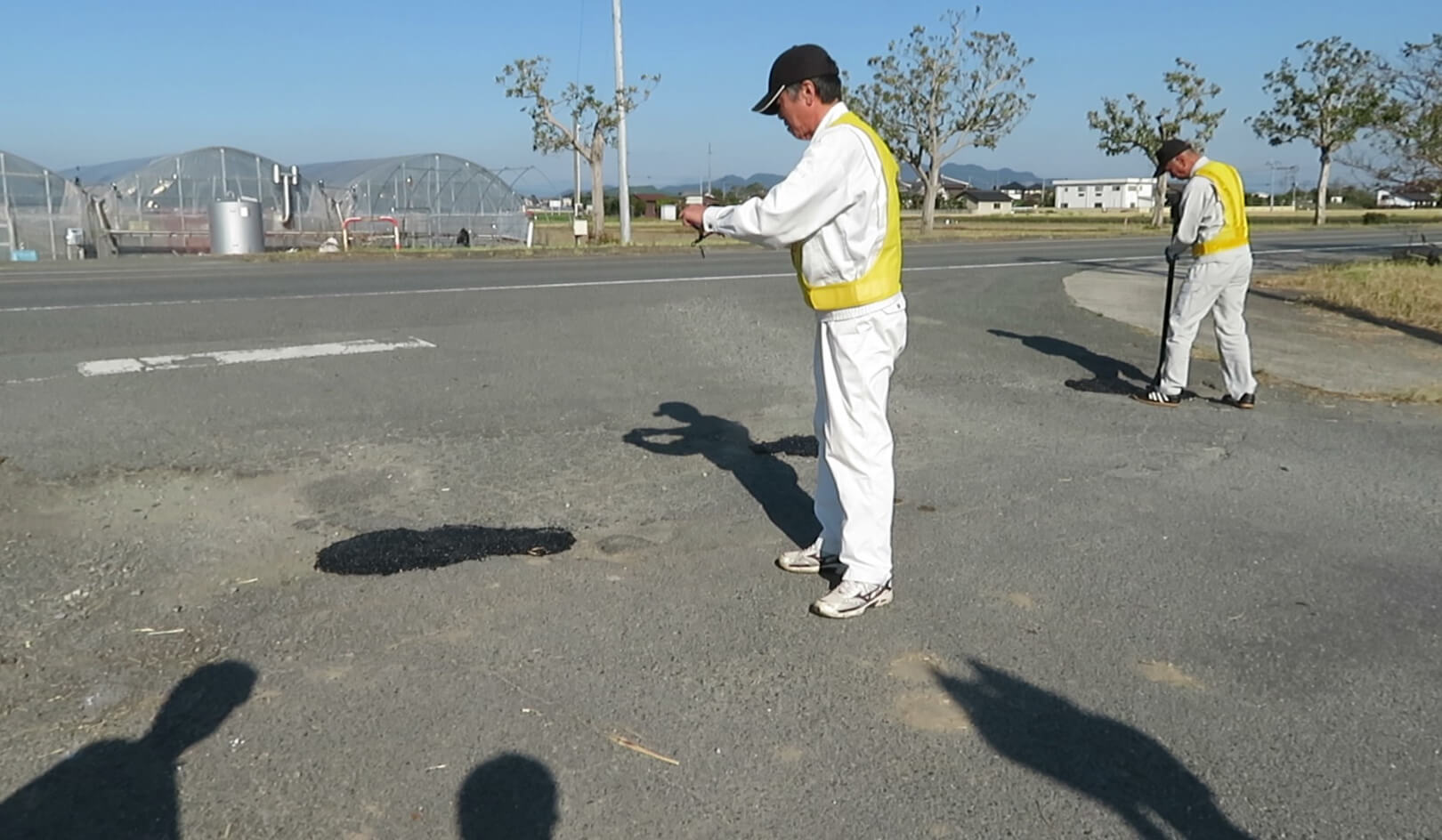
- In patrol, defects found during daily patrols by pairs of elderly workers are registered in i-MASTER. Simple repairs that can be made on the spot will be taken care of as soon as the defects are discovered (mainly filling potholes, etc.). The results of the patrols are reported once a week by a city staff, who checks the entries in i-MASTER and outputs them to Excel for further processing.
- 07 How easy was it to use i-MASTER?
-
No problem with operability. New elderly workers can use it without any problems.
-
08
What exactly do you feel i-MASTER has made convenient or useful?
Also, have you had any feedback from employees about i-MASTER? -
As discussed in (Q05) before i-MASTER, the introduction of i-MASTER has greatly reduced the time for daily reports. This is a great achievement. Also, after i-MASTER, information can be shared smoothly among staff, and any staff can respond to each issue one by one.
- 09 Were there any other benefits that were not anticipated?
-
It is a great advantage to manage issues collectively under the categories of "Resident Requests" and "Disasters".