
Case Study of T Town, Chiba Prefecture
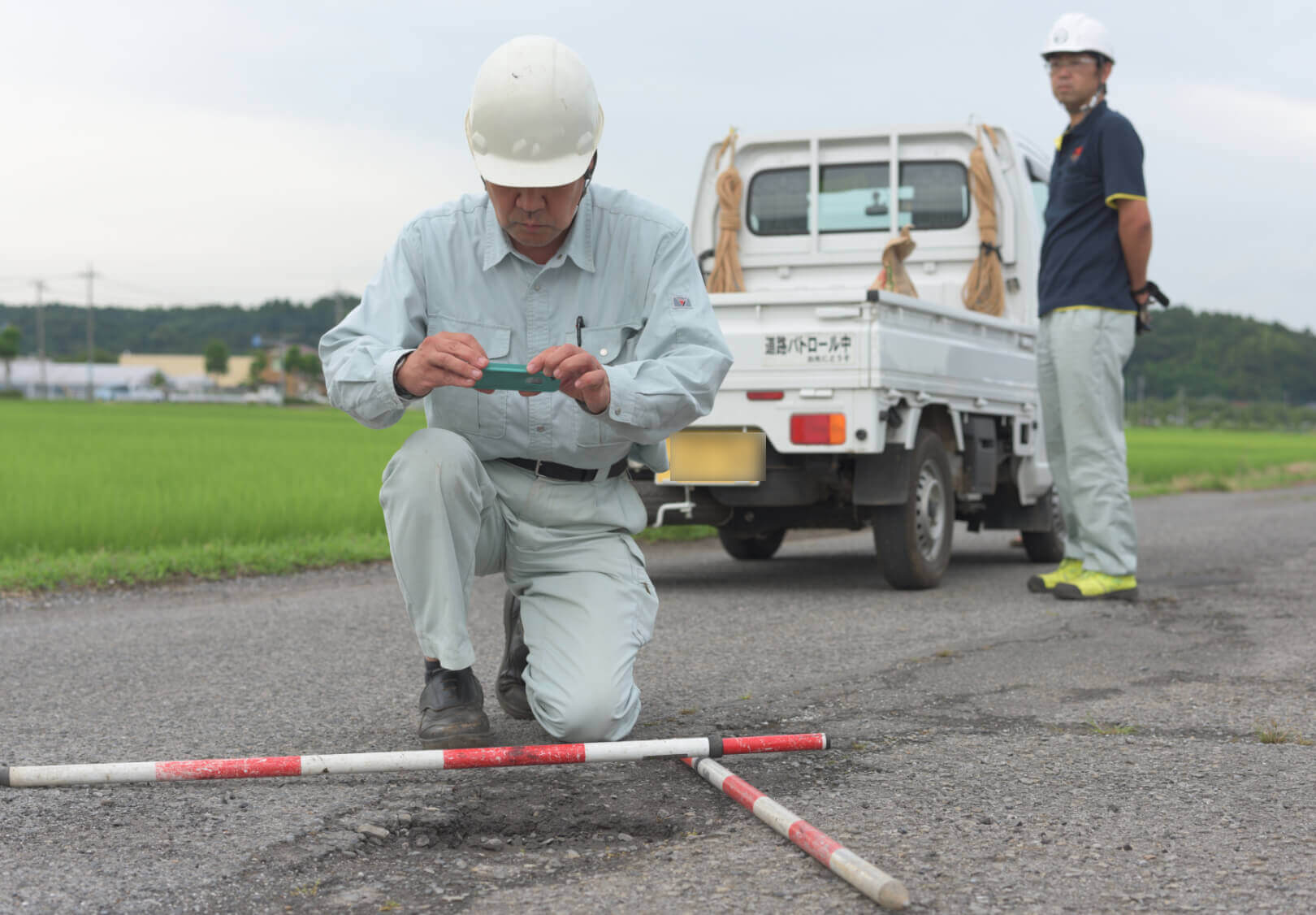
How to operate i-MASTER
- 01 Patrols
- On-site staff patrolling the town.
Bring simple repair materials for on-the-spot repairs.
- 02 Response & Installation
- After finding a damage, take a measures.
Register response status in i-MASTER.
- 03 Daily Reporting
- Output daily report from i-MASTER.
Share information within a section.
Effects of introducing i-MASTER
- Issues before introducing i-MASTER
-
- Time-consuming to find the location with a map in the field.
- Difficult to manage response history on paper.
- Time-consuming daily report generation in the office.
- After introducing i-MASTER
-
- Easy to locate by the phone's GPS [GPS].
- Transition from paper to data enables to search and visualize past history on maps [Databasing].
- Output photos & report contents registered in i-MASTER reduced work in the office [Issue output function].
Interview
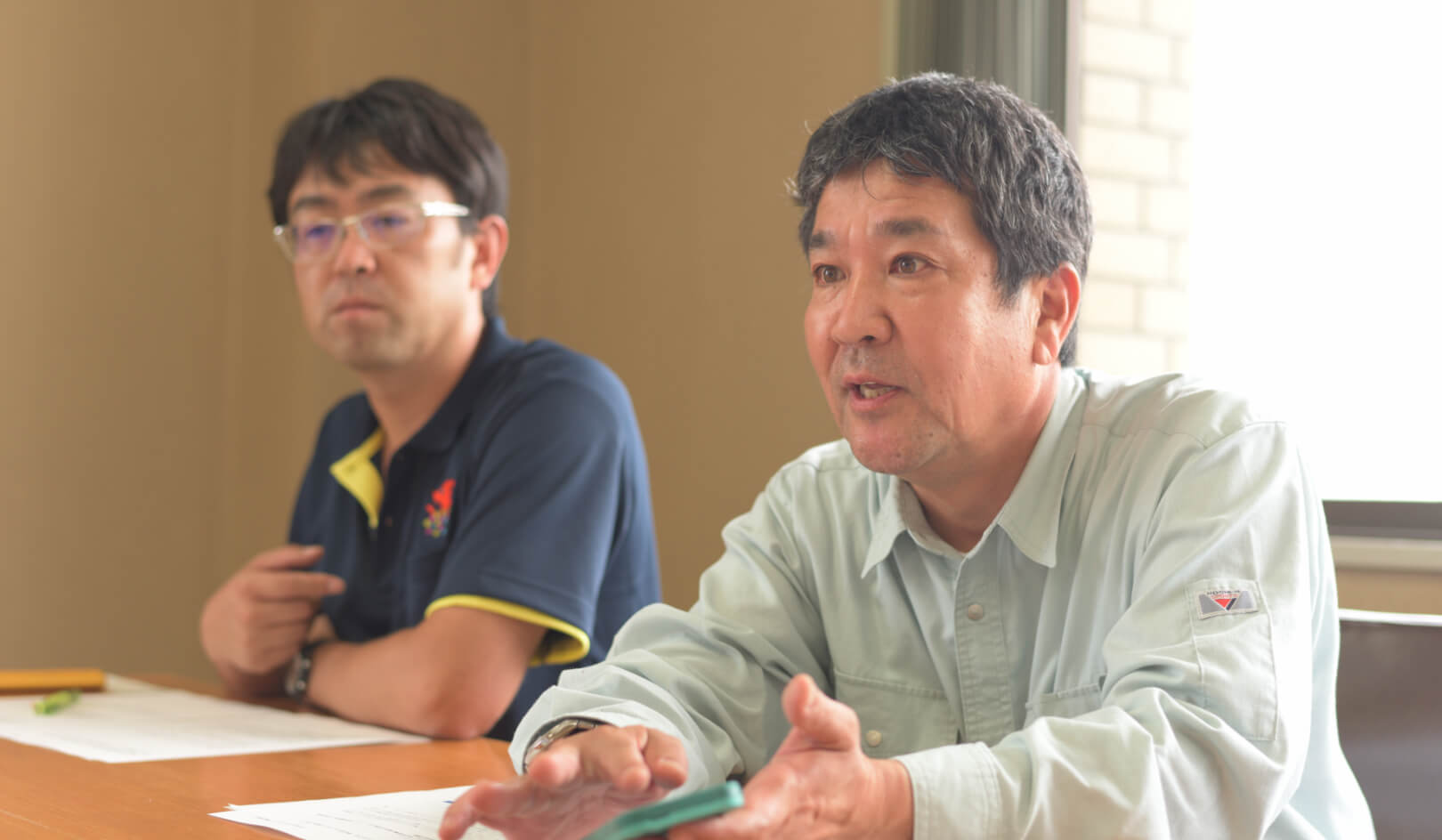
- 01 How did you know about i-MASTER?
-
In 2008, we began joint research with Yachiyo Engineering Co., Ltd. on a system to improve the efficiency of daily management.
- 02 What were your selection criteria for the introduction? What were the deciding factors that resulted in the introduction of i-MASTER?
-
In the demonstration test, we confirmed that the number of on-site responses was improved by reducing the time required to prepare daily reports and improving work efficiency.
-
03
How many cases are handled per year/month.
(number of inquiries, daily management responses, etc.) -
The average number of responses per month before the introduction of the system was 64.
- 04 How did you manage your daily operations?
-
We open a map at the site to confirm the location, enter the daily work report into PC after returning to the office, and manage the report on a paper basis.
-
05
Did you have any difficulties or challenges in daily management?
Also, what tasks have been time-consuming and labor intensive compared to after the introduction of the system? -
- In the site, time-consuming to locate them using a map.
- Time-consuming to prepare daily reports in the office.
- Difficult to manage the history because of the paper-based system.
- 06 How do you operate i-MASTER in daily management?
-
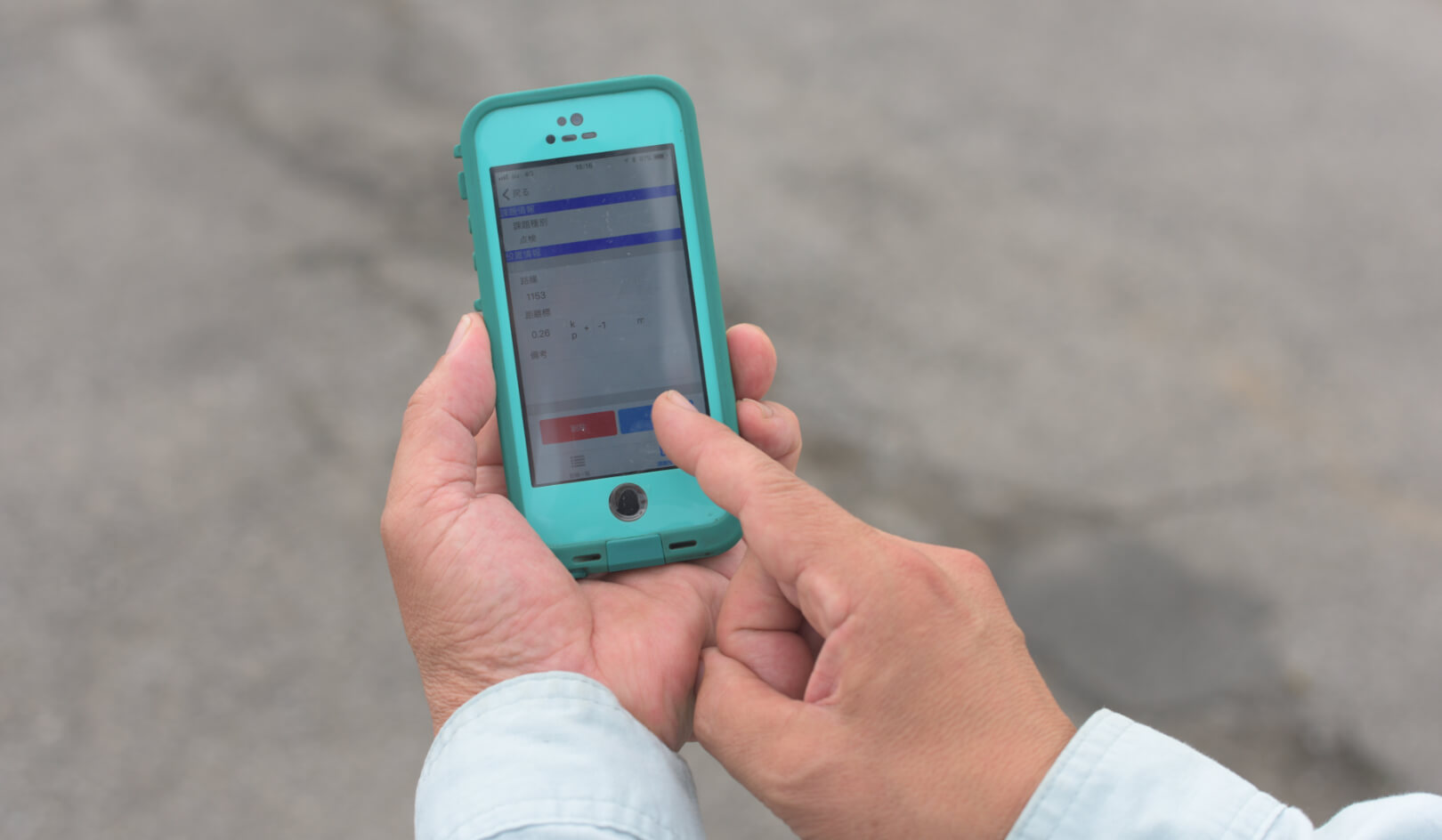
Response status and other information are registered in i-Master on site.
- 07 How easy was it to use i-MASTER?
-
During the joint research, we were able to modify the system operation, and eventually eliminate the problems.
-
08
What exactly do you feel i-MASTER has made convenient or useful?
Also, have you had any feedback from employees about i-MASTER? -
- Reduced labor & time, and increased the average number of cases handled per month by 22 (from 64 to 86).
- Inspection and repair points are plotted on a map, making it possible to visually identify routes with many repairs, enabling focused repair actions, identification of repair points, and implementation of focused patrols.